Image to video
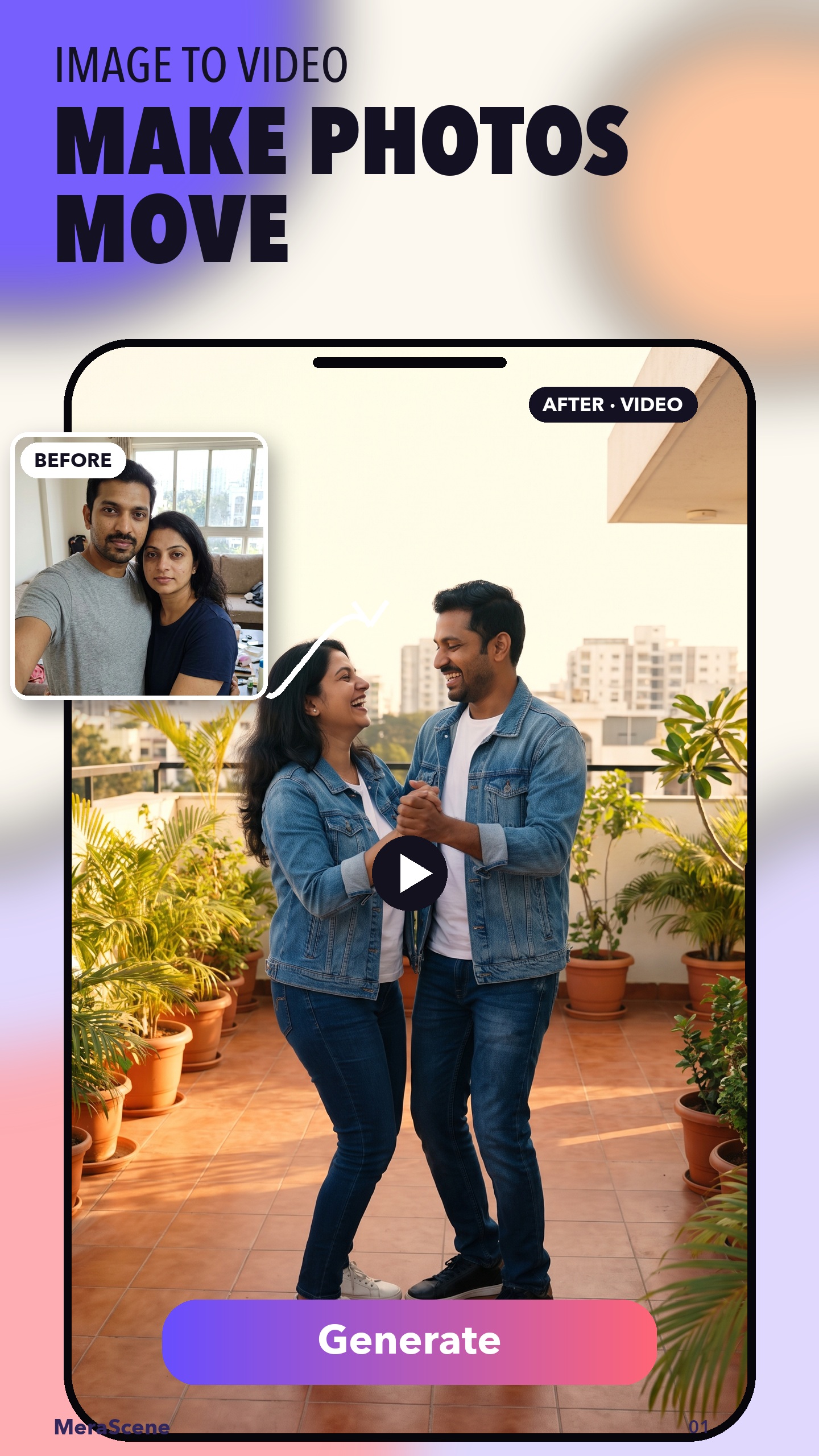
Turn a still photo into a short AI video with motion, atmosphere, and a share-ready result.
 Get the App
By MeraScene Studio
Turn photos and prompts into AI videos, expressive portraits, cinematic looks, guided templates, and festive scenes.
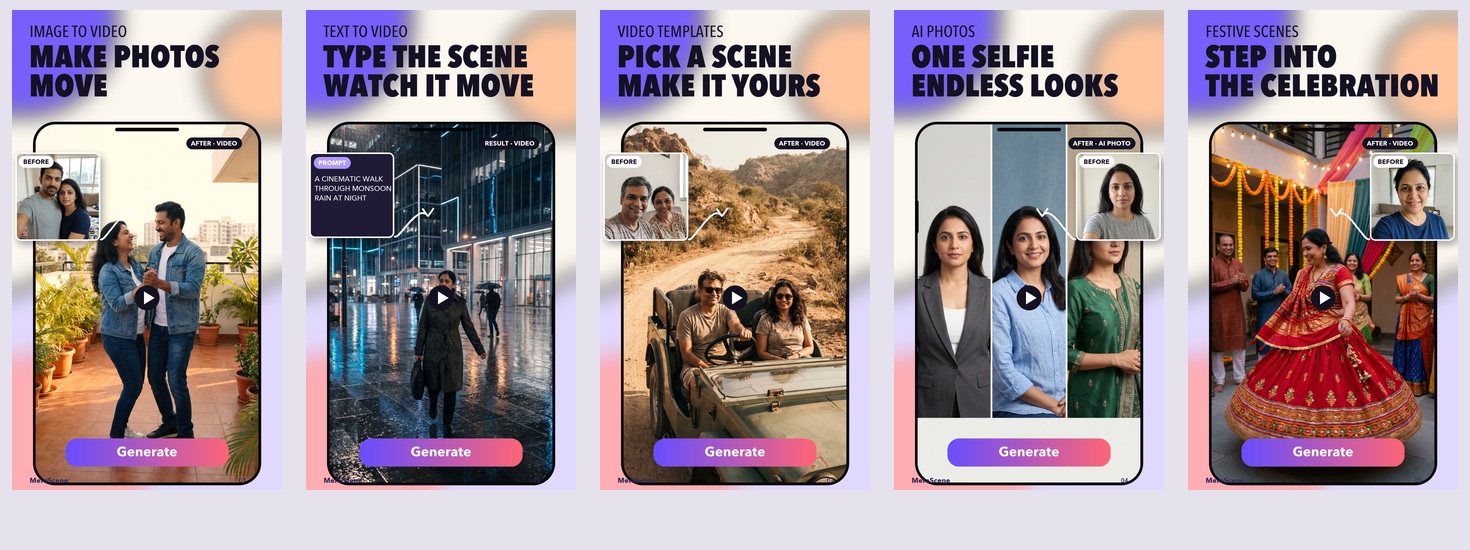
What MeraScene does
Turn a still photo into a short AI video with motion, atmosphere, and a share-ready result.
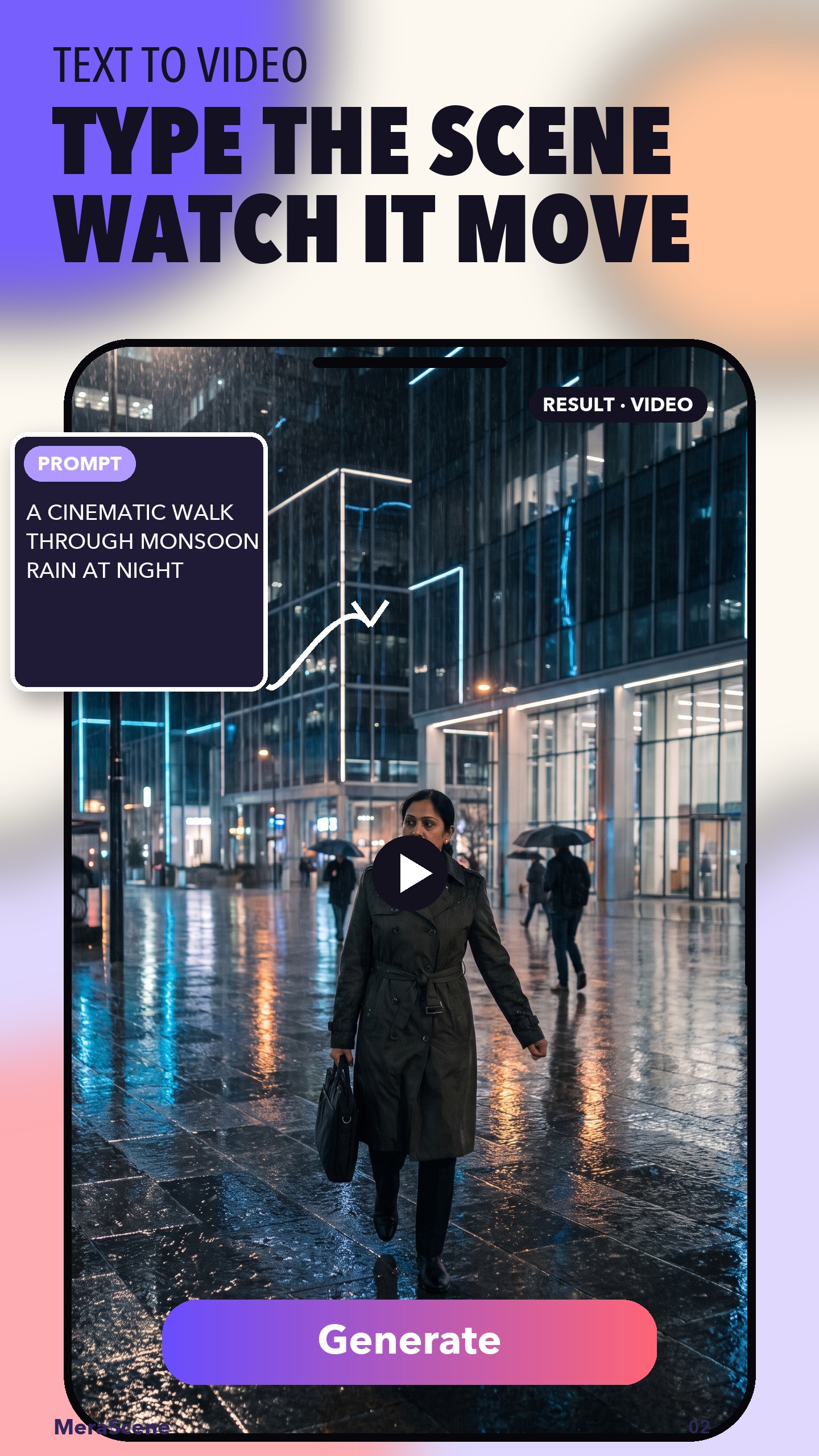
Describe a scene, action, or visual style and let MeraScene generate the video.
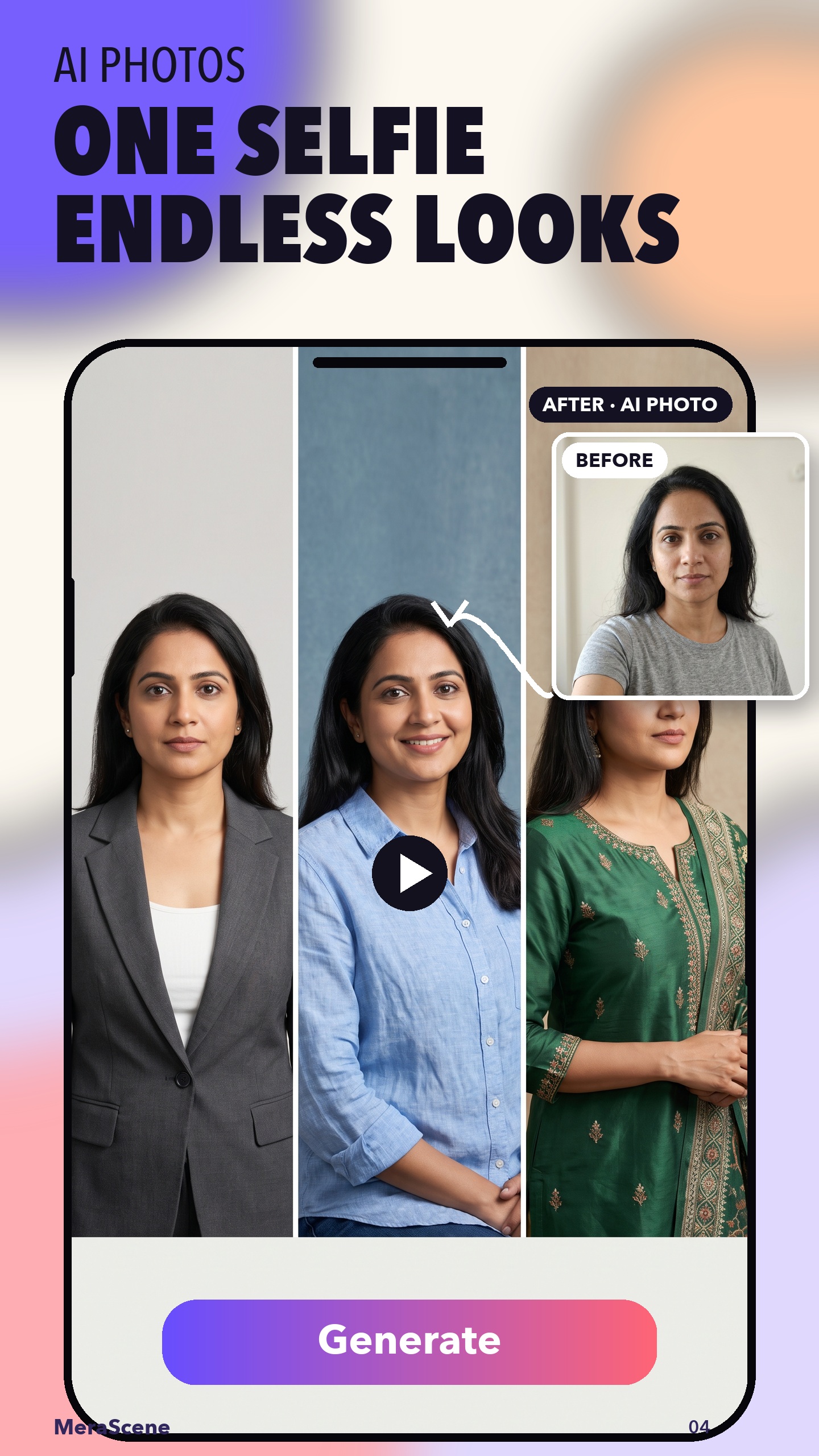
Create portraits, profile images, fashion looks, cinematic styles, and more.
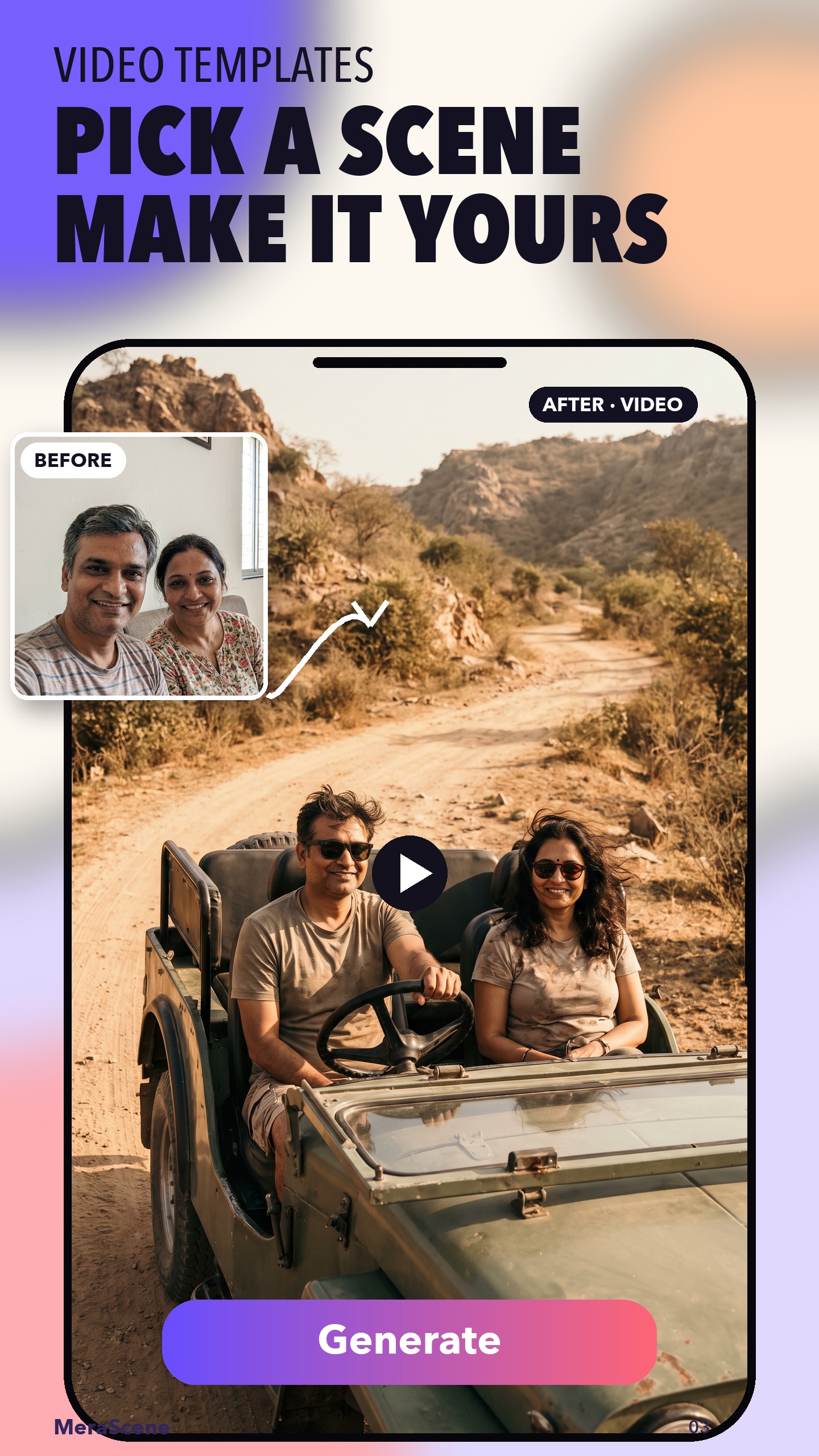
Choose travel, couples, cinematic, and festive templates built for quick creation.
Creation modes
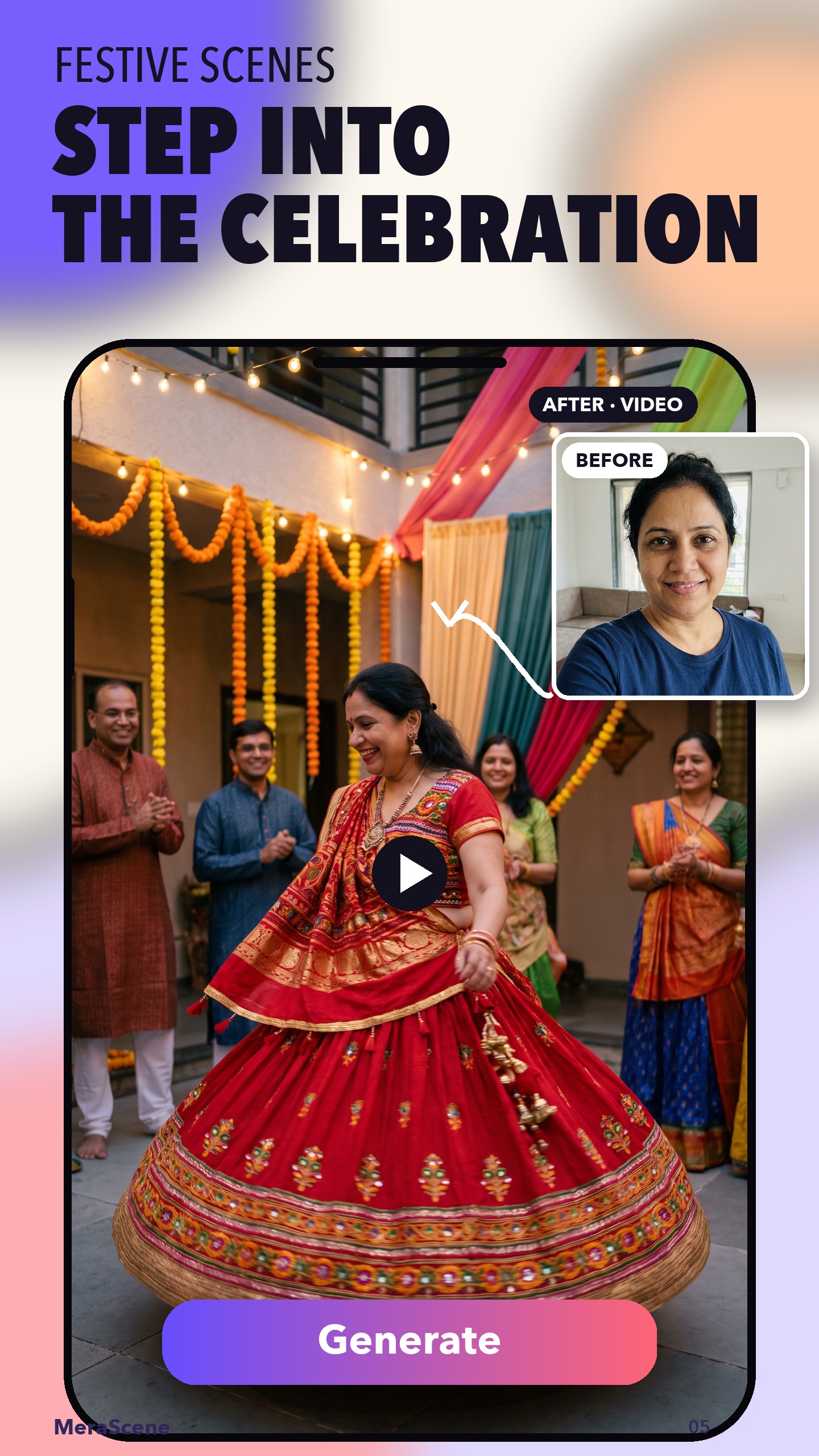
Start from a photo, write a prompt, choose a guided video template, generate AI photo styles, or step into a celebration.
Simple workflow
Start with image-to-video, text-to-video, AI photos, or a guided scene.
Upload an adult photo you may use, write a prompt, or pick a style.
Create your result, download it, and share it from your phone.
Responsible, private creation
MeraScene has no public feed. Other users cannot view your creations inside the app.
Original uploaded photos are deleted when generation completes. Generated results and history are retained for up to 24 hours and may be deleted earlier.
Our Terms prohibit harmful, deceptive, non-consensual content and any photo involving a minor.

MeraScene: AI Video Creator